How Can I Youtube Shorts: Complete Guide for 2026
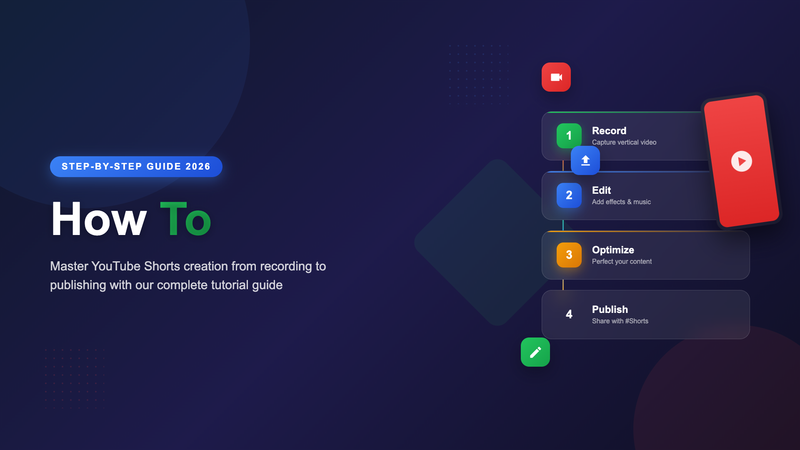
Getting started with YouTube Shorts is easier than most creators think. You do not need expensive equipment, editing software, or video production experience. Here is a practical walkthrough for creating your first Shorts and building momentum with this format.
Creating Shorts Directly in the YouTube App
The fastest way to make a Short is using YouTube's built-in creation tools. Open the YouTube app on your phone, tap the plus icon at the bottom, and select "Create a Short."
From here you can:
- Record clips up to 60 seconds total, either in one take or multiple segments
- Set a timer for hands-free recording (3, 10, or 20 second countdowns)
- Adjust speed to create slow-motion or time-lapse effects
- Add music from YouTube's licensed library of songs and sounds
- Apply filters to change the visual style
After recording, you can trim clips, reorder segments, add text overlays, and adjust audio levels before publishing.
Uploading Pre-Made Vertical Videos
If you prefer editing in apps like CapCut, InShot, or Adobe Premiere Rush, you can upload finished vertical videos as Shorts. The key requirements:
- Video must be 60 seconds or less
- Aspect ratio should be 9:16 (vertical) or 1:1 (square)
- Resolution of at least 1080x1920 pixels for best quality
Upload through the regular YouTube upload flow, and the platform will automatically recognize it as a Short based on the format. Adding #Shorts to the title or description can help, but is not strictly required.
Your First Short: A Simple Framework
For your first Short, keep it simple. Here is a framework that works across most niches:
Hook (0-2 seconds): Start with movement, a bold statement, or on-screen text that stops the scroll. Do not waste time with introductions.
Value (2-50 seconds): Deliver your main content. This could be a tip, demonstration, story, or entertaining moment. Stay focused on one idea.
Ending (last 5-10 seconds): Conclude cleanly. A punchline, reveal, or call-to-action works well. Avoid awkward fadeouts.
Technical Tips for Better Shorts
Lighting matters more than camera quality. Film facing a window during daytime, or use a simple ring light. Good lighting makes phone footage look professional.
Record in a quiet environment. Background noise is more noticeable in short clips where every second counts. If your space is noisy, consider adding music to mask ambient sound.
Fill the frame. Shorts are viewed on phone screens. Get closer to your subject than you would for traditional video. Faces should take up a significant portion of the frame for talking-head content.
Add captions or text. Many viewers watch without sound. On-screen text ensures your message comes through regardless of audio settings.
Finding Content Ideas
Look for Short-worthy moments in content you already create:
- Key takeaways from longer videos you have published
- Behind-the-scenes glimpses of your process
- Quick answers to common questions from your audience
- Reactions to trending topics in your niche
- Before-and-after transformations
- Tips you repeat frequently to clients or customers
Publishing Your Short
When publishing, write a descriptive title that tells viewers what they will get. Include relevant hashtags, but do not overdo it. Two to three targeted hashtags work better than a wall of generic ones.
Shorts do not have traditional thumbnails in the Shorts feed, but they do appear as thumbnails on your channel page. YouTube auto-generates thumbnail options, or you can upload a custom one.
What Happens After You Post
YouTube tests new Shorts with small audiences first. If those viewers engage (watch to completion, like, comment, share), the algorithm shows your Short to more people. This testing phase can take anywhere from a few hours to several days.
Do not delete Shorts that seem to underperform initially. Some take weeks to gain traction as the algorithm finds the right audience.
Need help developing a consistent Shorts strategy?Contact us to discuss how we can help grow your channel with short-form content.