What Is Youtube Shorts: Complete Guide for 2026
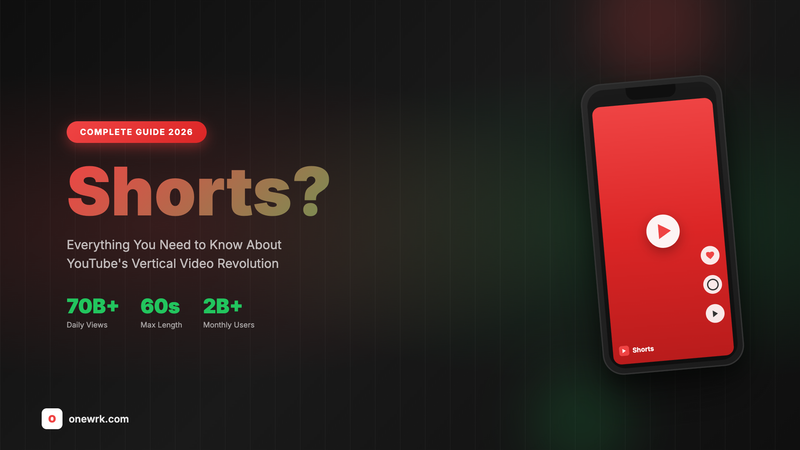
YouTube Shorts are vertical videos lasting 60 seconds or less that appear in a dedicated scrolling feed within YouTube. Think of them as YouTube's version of TikTok or Instagram Reels: quick, snackable content designed for mobile viewing.
The Basic Format
A video qualifies as a YouTube Short when it meets these specifications:
- Duration: 60 seconds maximum
- Orientation: Vertical (9:16 aspect ratio) or square (1:1)
- Source: Can be created in the YouTube app or uploaded as pre-edited videos
YouTube automatically identifies qualifying videos as Shorts based on these characteristics. Adding #Shorts to your title or description can help, but is not required.
Where Shorts Appear
Shorts show up in multiple locations across YouTube:
The Shorts feed: An endless vertical scroll of short videos accessed via the Shorts tab in the mobile app. This is the primary way most people consume Shorts.
YouTube homepage: A horizontal Shorts shelf appears on both mobile and desktop, recommending Shorts based on viewing history.
Search results: Shorts appear in search when relevant, though typically grouped together.
Channel pages: Your channel displays Shorts separately from regular videos with a dedicated Shorts tab.
How the Shorts Algorithm Works
Unlike traditional YouTube videos that rely heavily on search and subscriber notifications, Shorts get distributed primarily through algorithmic recommendation. YouTube shows your Short to small test audiences first. If those viewers engage well (high completion rates, likes, shares, repeat views), the algorithm shows it to larger audiences.
This means a brand new channel with zero subscribers can potentially get millions of views on a Short if the content resonates. Traditional YouTube videos rarely achieve this kind of organic reach without an existing audience.
Key Differences from Regular Videos
| Aspect | Regular Videos | Shorts |
|---|---|---|
| Length | No limit (typically 8-20 minutes) | 60 seconds max |
| Orientation | Horizontal (16:9) | Vertical (9:16) |
| Discovery | Search, suggested videos, subscriptions | Algorithmic feed |
| Viewing behavior | Intentional, longer sessions | Scrolling, short attention |
| Thumbnails | Custom thumbnails critical | Frame from video (feed) or custom (channel) |
| Monetization | Individual video ads | Revenue share from Shorts feed ads |
Shorts Monetization Explained
Creators in the YouTube Partner Program can earn money from Shorts through a revenue-sharing model. YouTube pools ad revenue from the Shorts feed and distributes it to creators based on their share of total Shorts views.
Shorts RPM (revenue per thousand views) is typically lower than traditional video ads, often $0.01-0.10 per thousand views versus $2-10+ for long-form content. However, Shorts can generate massive view counts that partially compensate for lower per-view revenue.
Creating Your First Short
You have two options for creating Shorts:
In-app creation: The YouTube app includes a Shorts camera with recording tools, music from YouTube's library, text overlays, and basic editing features.
Upload pre-edited videos: Create vertical videos in any editing app (CapCut, Premiere Rush, InShot) and upload them as regular uploads. YouTube identifies them as Shorts automatically.
What Makes Shorts Successful
Shorts that perform well typically share these characteristics:
- Hook viewers in the first 1-2 seconds
- Deliver value quickly without preamble
- Use text overlays since many watch without sound
- End satisfyingly (punchlines, reveals, clean conclusions)
- Stay focused on one clear idea per video
Want help building a Shorts strategy for your channel?Contact us to discuss how short-form content can accelerate your YouTube growth.
]]>