A live stream gets no second take. We design and fit a permanent live room or venue system, then train your own team to run it. Here is the gear, the internet, the backups and the cost in India.
Updated November 2026 · Prices checked 2 November 2026
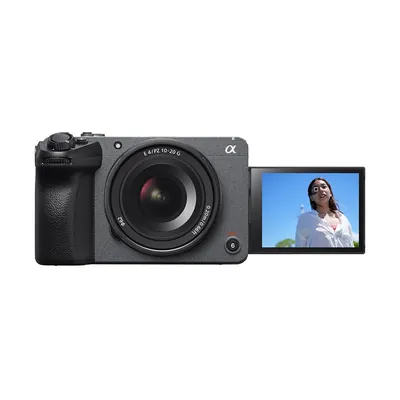
Stock photo
A live streaming studio setup is the cameras, switcher, sound feed, internet and power that let you go live the same way every time. A one-person streaming desk starts at ₹43,284 as a ready kit. A one-camera church or temple system starts at about ₹3 lakh. A three-camera event system that records every camera on its own is about ₹7 lakh.
A fully installed three-camera live room from Onewrk is about ₹15.52 lakh in equipment, or about ₹17.85 lakh with setup and training. GST, freight, wiring and civil work are extra.
Most YouTube live streaming setup guides are written for one person in a bedroom. This page is for companies that run town halls, churches and temples that stream every week, and colleges that stream classes. There, the person who presses start is rarely a video expert. So the system must be simple to start and safe when something fails.
That is what we build. We design, wire and hand over a permanent live room or system, and train the people who will run it. We do not crew or run your events.
Models we name on this page. Links open OneProGear, our own gear store, where each one has its price and stock.
A recorded video can be fixed. You film it again. A live stream cannot. So a live setup is built around one question: what happens when something fails?
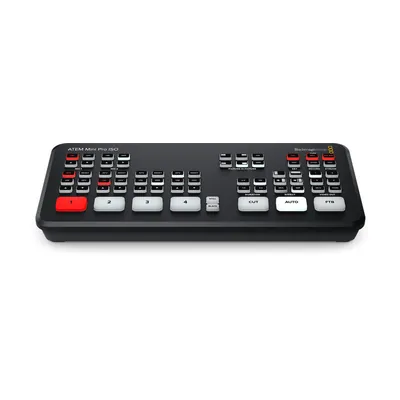
Record the whole event locally while you stream. If the internet drops, you still have every minute to upload later. The Blackmagic ATEM Mini Pro ISO switcher does this to a USB drive.
Keep a second line from another provider, or a 4G or 5G router. Practise the switch before the day.
In India, the classic stream killer is a power cut. The generator brings the lights back fast. But the router and switcher have restarted, and a router can take minutes to come back. Put a UPS on the switcher, the cameras, the router, the modem and the network switch. Not just the computer.
Someone should watch the stream on a phone, on mobile data, with headphones. The desk shows what goes out. The phone shows what arrives. Expect it to run some seconds behind the room.
And before every event, run a short private or unlisted test stream.
A good camera on a bad line still gives a bad stream. Get the line right first.
How much upload? YouTube lists the bitrate it recommends for each picture size on its help page, Choose live encoder settings, bitrates, and resolutions. Keep plenty of room above that.
A manned camera can find any shot, like a question from the floor. A camcorder with a long zoom reaches the stage from the back of a hall.
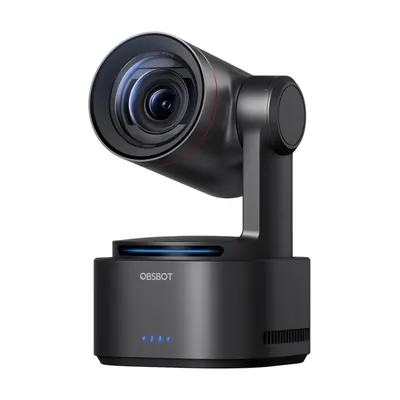
A PTZ camera pans, tilts and zooms by remote. You save presets: the pulpit, the choir, the wide shot. Then one person runs several angles from one desk. Many also follow a speaker by themselves.
The catch: many PTZs have a short zoom, so they must sit fairly close. The ones in OneProGear's church and temple kits work within about 15 metres.
The switcher picks which camera viewers see. For most rooms we start with the Blackmagic ATEM Mini Pro ISO. It has four HDMI inputs. It switches, streams over its own network port, and records every input on its own as well as the live cut. So after the event, you can re-edit with every angle.
It works in HD, so set your cameras to 1080p. Bigger rooms move to an eight-input or SDI switcher.
Something has to turn the video into a stream. A hardware box, often the switcher itself, starts with a button press. There is no laptop to crash, sleep or update mid-event. But you get fewer graphics options. Software, such as OBS (free) or vMix on a PC, gives rich graphics, scenes and remote guests. But it needs a strong PC and someone who knows it well.
For rooms run by non-specialists, we stream from hardware. A PC can still feed slides into a spare input. If it freezes, the stream keeps going.
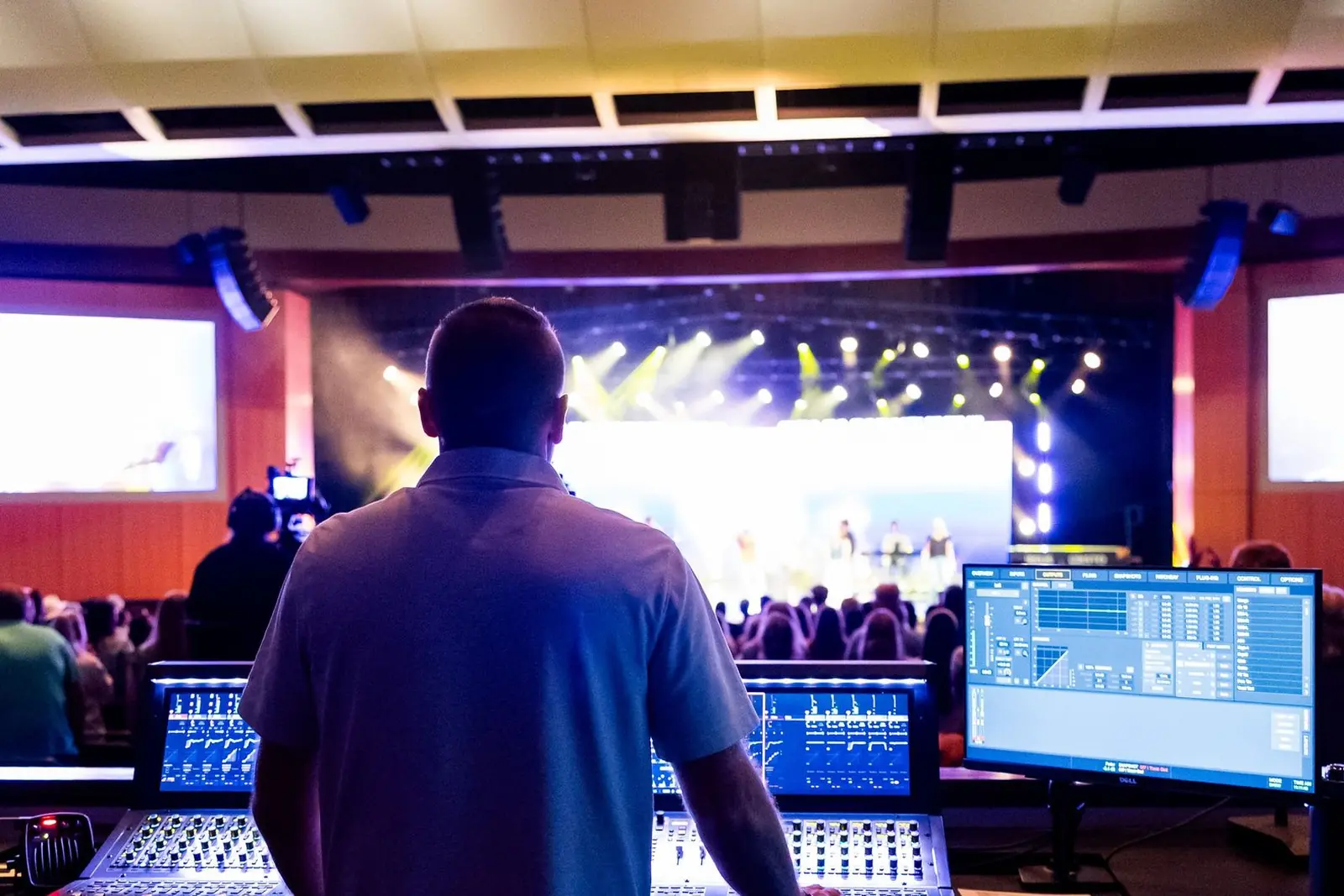
Viewers put up with a soft picture. They leave when they cannot hear. In a hall, church or temple, take the stream's sound from the sound desk, but not the main mix. The main mix is made for the room. Drums, a choir or an organ are barely in it, because the room already hears them. Online, they go thin or vanish.
Ask for a separate aux send, balanced for the stream. Speech-only events can often use the main mix. Music needs its own.
Make your lower thirds (the name strips under a speaker), logo and "starting soon" slide before the day. The ATEM holds still images for these. With camera operators, add a headset intercom, so the person switching can direct them off air. A one-person PTZ setup needs none.
HDMI is fine for short runs in one room. Past about 15 metres, or once cables leave the room, we use SDI. Its BNC plug twists and locks, and the cable is built for distance. OneProGear's guide to HDMI vs SDI for live production explains more.
What changes by venue is who runs it, how far the cameras sit and where the sound comes from. Kit prices are from OneProGear, our own gear store.
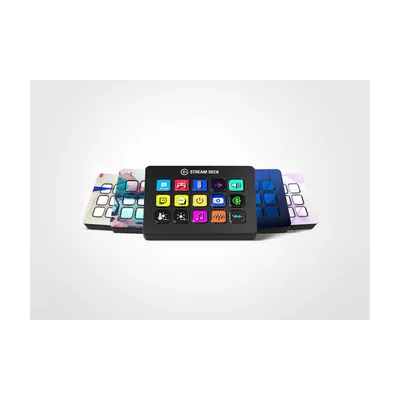
For a founder's live Q&A or a webinar host: a webcam, a dynamic mic on an arm, one soft key light and streaming software. OneProGear's streaming desk kits: Budget ₹43,284 (1080p60 webcam, dynamic mic on an arm, COB key light), Starter ₹1,07,899 (adds a 4K tracking webcam and a stream deck), Better ₹2,09,894, Pro ₹7,38,840.
Two to four people, three cameras, live or recorded. The room matters as much as the gear (see soundproofing vs acoustic treatment). OneProGear's three-camera video podcast kit is ₹9,07,906. Our Advanced plan is this room, installed. More on podcast studio setup.
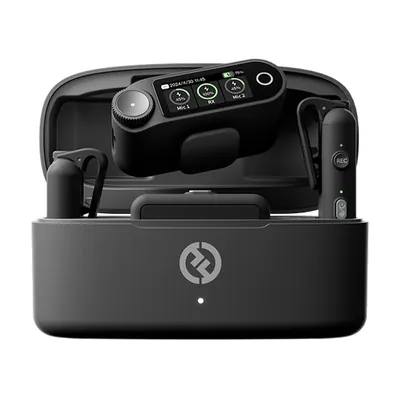
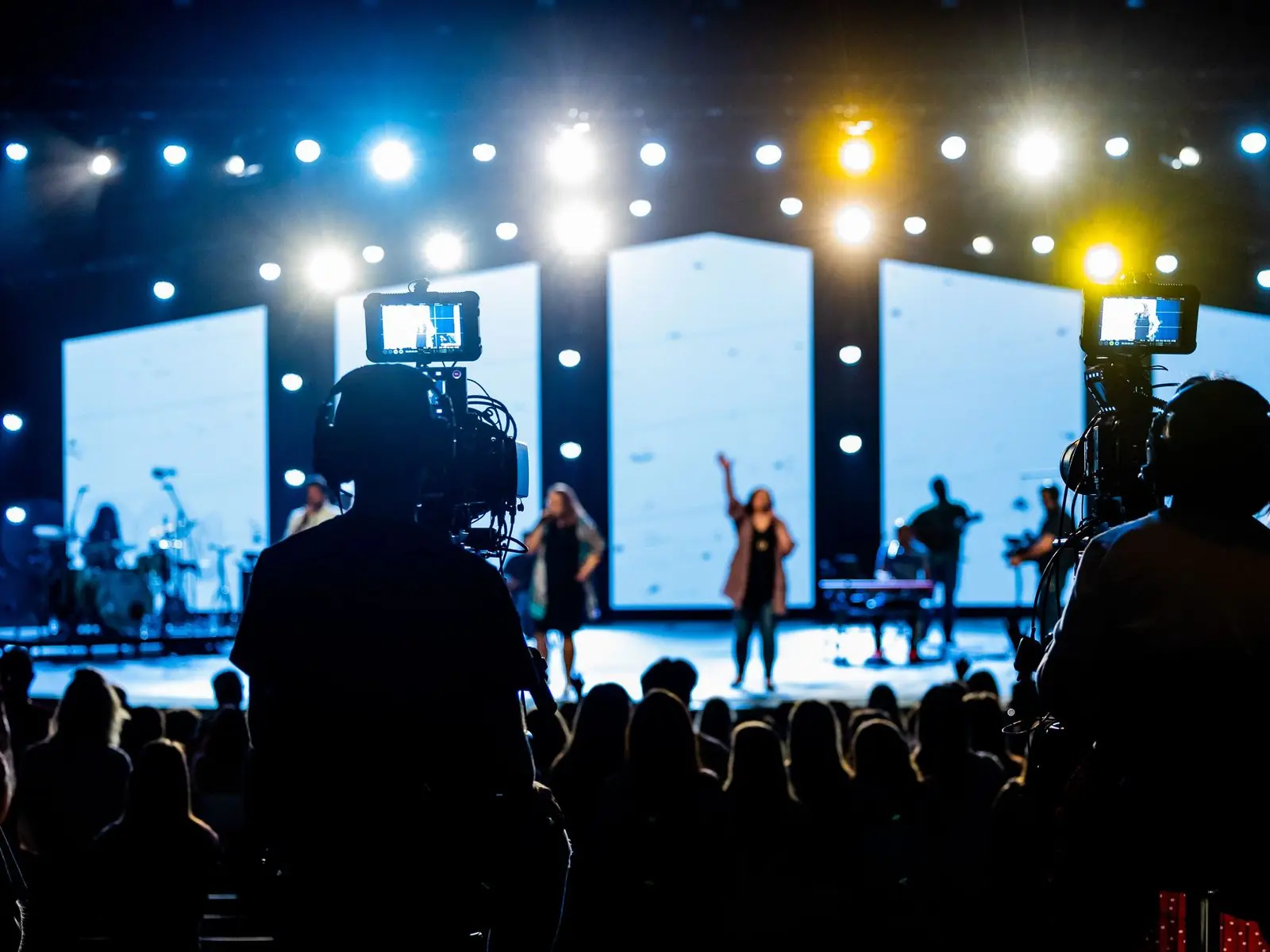
Cameras sit at the back and sides. Sound comes from the venue mixer. Slides go into a switcher input, so viewers see the slides, not a camera aimed at a screen. OneProGear's event live streaming kits: Starter ₹4,25,008 (two 20x zoom camcorders, ATEM Mini Pro ISO, wireless mics, a programme monitor, no laptop) and Better ₹7,02,752 (two tracking PTZs, one manned camcorder, every input recorded).
In a permanent hall we fix the cameras, run the cables in conduit, and leave a control desk that stays set up. A town hall then starts with a power switch.
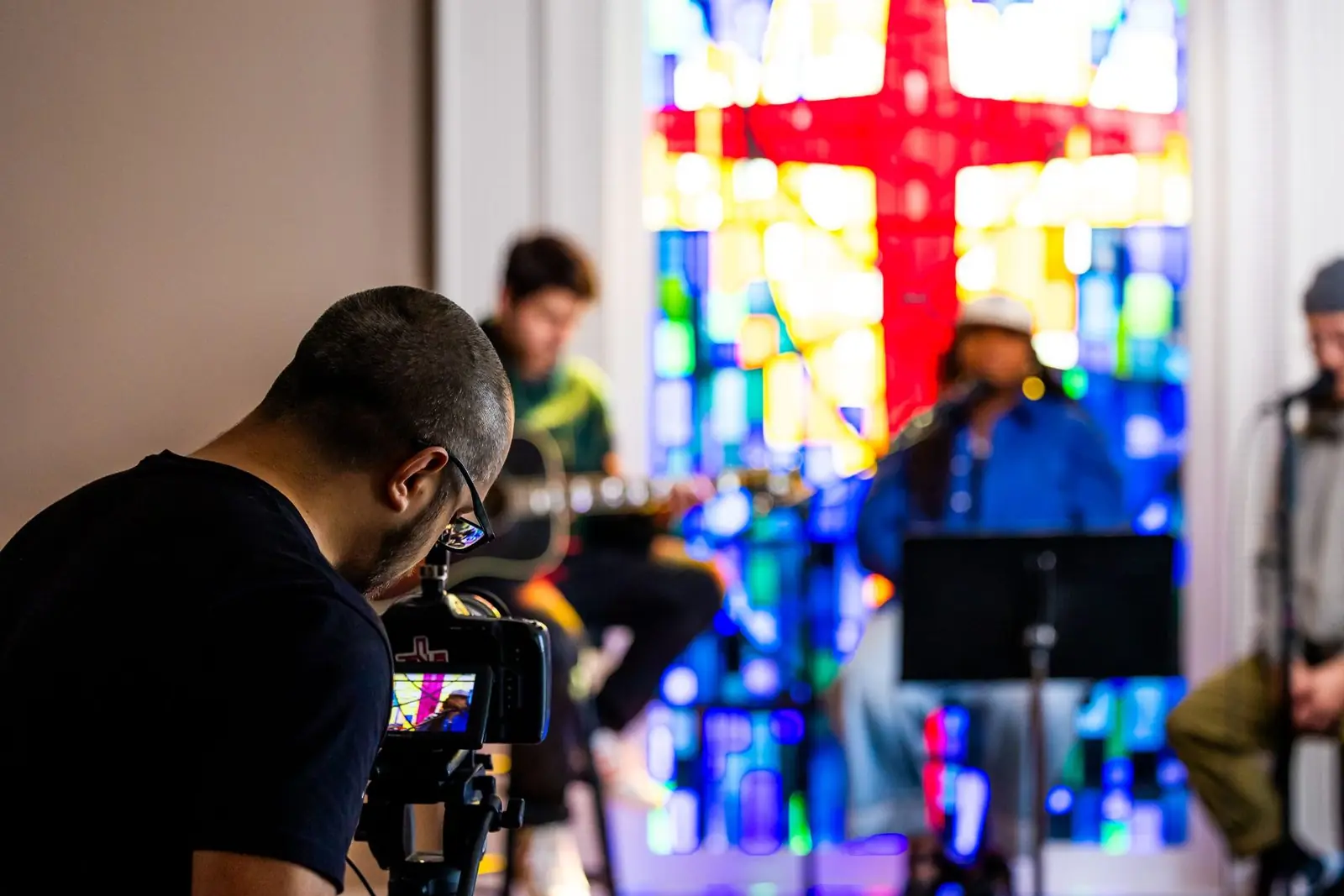
Volunteers change every week, so the system must start the same way every Sunday. Start with one auto-tracking PTZ and a switcher that streams by itself. Add cameras when the team is ready. OneProGear's church live kits: Starter ₹2,99,963 (one camera), Better ₹6,13,601 (two cameras, room for the lyrics computer), Pro ₹9,36,697 (three cameras on SDI, every input recorded). See their guide to PTZ cameras for a small church. Feed the choir and organ through a separate mix. And check you have the rights to stream your songs.
A temple stream is won on the darshan frame and the sound. One camera on the sanctum, saved as a preset, gives the shot people open the stream for. Lamplit sanctums are dark, so the camera and one good light matter. Aartis and festivals run long, so do not depend on a laptop staying awake. Stone walls and crowds cut wireless mic range. OneProGear's temple live kits: Starter ₹2,99,963 (one camera, two mics), Better ₹6,57,591 (two cameras, a clip-on mic for the priest, a sanctum light), Pro ₹9,56,201 (three cameras on SDI for a festival hall).
There is usually no operator. So an auto-tracking camera follows the teacher, and a switcher that streams by itself means no PC login before class. OneProGear's lecture capture kits: Starter ₹2,63,514, Better ₹4,44,203. For a teacher's own recording room, see online teaching studio setup.
A live system fails if only one person can start it. That person goes on leave, and the stream does not happen. So training is part of every build. At handover we leave:
As with our studio builds, setup is about 10 percent of the equipment cost and training is about 5 percent. Each shows on its own line in the quote.
| Option | Who it suits | What you get | Price |
|---|---|---|---|
| OneProGear streaming desk: Budget | One person streaming from a PC | 1080p60 webcam, dynamic mic on an arm, COB key light in a softbox | ₹43,284 |
| OneProGear church live: Starter / Better / Pro | Churches with a volunteer crew | One, two or three cameras. Pro runs on SDI and records every input. | ₹2,99,963 / ₹6,13,601 / ₹9,36,697 |
| OneProGear temple live: Starter / Better / Pro | Temples and religious events | One camera on the sanctum, up to three on SDI for a festival hall | ₹2,99,963 / ₹6,57,591 / ₹9,56,201 |
| OneProGear event live streaming: Starter / Better | Town halls, conferences, training days | Two camcorders and the ATEM Mini Pro ISO; Better adds a third camera and records every input | ₹4,25,008 / ₹7,02,752 |
| Onewrk Essential, installed | A company studio for recorded shows | Two cameras, full sound and light, fitted and trained. No live switcher. | ₹8.79 L equipment, about ₹10.11 L all in |
| Onewrk Advanced, installed | The natural live room: talk shows, webcasts, town halls from a studio | Three cameras, live switching, each camera recorded on its own, the whole room treated | ₹15.52 L equipment, about ₹17.85 L all in |
| Onewrk Premium, installed | Rooms that go live several times a week | Advanced plus a spare camera, so the show goes on if one fails | ₹27.36 L equipment, about ₹31.47 L all in |
OneProGear prices include GST and are as listed on 2 November 2026; check the live page. Kits do not include installation. Onewrk figures are September 2026 equipment costs, usually right within 5 to 10 percent. "All in" adds setup (about 10 percent) and training (about 5 percent). GST, freight, wiring, civil work, and travel outside Bengaluru are extra on Onewrk builds. Halls, churches and temples are quoted after we see the venue. For a studio room, try the studio cost calculator, or see every part on the studio plans page.


OneProGear, our own gear store, sells live kits by venue. Swap any item and download a quotation. Genuine, sealed products with the maker's India warranty and a GST invoice. Dispatched in 14 to 21 working days, flat ₹379 shipping.
For a school, large church or company, the Pro Desk sends one parts list and a quotation within 2 business days of a complete request. Equipment only, no installation.
Onewrk plans the room or venue, fits the cameras, wires the sound and network, sets up the backups and trains your team. Buy the gear through us on one bill, or take our list and buy it yourself. Order to handover is usually four to six weeks, longer if wiring or civil work comes first.
Onewrk is two partners in Bengaluru. Kishore T builds and fits the studios and live rooms. Nikhil Bhansali handles strategy, audits, consulting and training. There are no account managers. We publish our gear lists and prices, as this page shows.
We install across India from Bengaluru. See how we plan rooms on our studio setup page. Already streaming to a channel? Ask us for a free private review of your channel.
Tell us about the room, how often you go live and who will run it. We will suggest a setup and a price.
Plan my live roomSend us the room or hall size, how often you go live and who will run it. We reply in one working day. No sales deck.
Prefer to pick a time? Book a call directly.